
Sales teams live in Salesforce. Development teams work out of Jira. When these two systems don’t talk to each other, you get data silos, manual status updates, and lost information. Someone ends up copying comments between platforms or exporting lists manually. It’s slow, error-prone, and frankly frustrating for everyone involved.
Integration tools fix this by automating the handshake between CRM and development workflows. Real-time sync means when a salesperson updates a deal stage, the engineering team sees it instantly in their tickets. Less manual work, fewer mistakes, better visibility. We’ve looked at six connectors that handle this differently. Some are no-code and quick to deploy, while others give you maximum control but require more setup. Here’s how they compare.
1. Peeklogic Connector
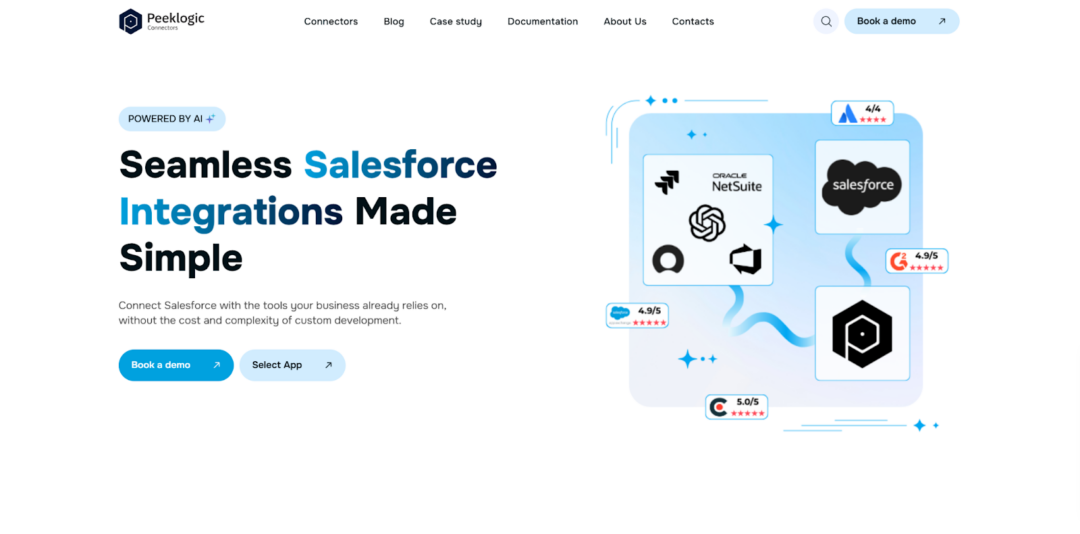
Peeklogic is a Salesforce consulting partner that built its own integration products. Peeklogic Salesforce Jira Connector focuses on one thing: connecting these two platforms without custom code. It sits somewhere between a plug-and-play tool and something you can tailor to your specific processes. The setup takes under thirty minutes, according to their documentation, and once it’s running, data moves both ways in real time.
A sales team using this might have the Jira issue key automatically appear in Salesforce when engineering picks up a feature request. Or maybe they want comments from developers to show up next to the opportunity record. You can configure that without writing scripts. The company positions this for teams that want synchronization fast but still need some flexibility. Small to mid-sized organizations seem to be the sweet spot, though larger teams use it too when they don’t want to manage complex code deployments.
Capabilities and Core Features
The platform removes the need for middleware or custom APIs. You map fields once, and the connector handles the rest through Salesforce Flow or Apex actions behind the scenes. What makes it different from older integration approaches is the no-code philosophy. Business analysts can configure it, not just developers. The platform offers several key capabilities that make it suitable for cross-team synchronization:
- Real-time synchronization between Salesforce and Jira;
- No-code setup with minimal technical involvement;
- Bi-directional data flow across issues and objects;
- AI-powered automation and reporting features;
- Flexible customization of sync logic and UI;
- Compliance with GDPR, ISO, and HIPAA standards.
These features cover most use cases without forcing teams to learn a new syntax. The AI components are worth mentioning. They help map fields automatically based on historical patterns, which speeds up initial configuration. For teams dealing with sensitive customer data, the compliance certifications matter.
Best Use Cases
Peeklogic works best when you need the integration running this week, not next quarter. Small teams with limited developer resources deploy it quickly. Mid-sized companies use it to connect sales processes with engineering without creating maintenance headaches. If your organization runs on standard Salesforce and Jira instances without heavy customization, this is probably the path of least resistance.
2. Exalate
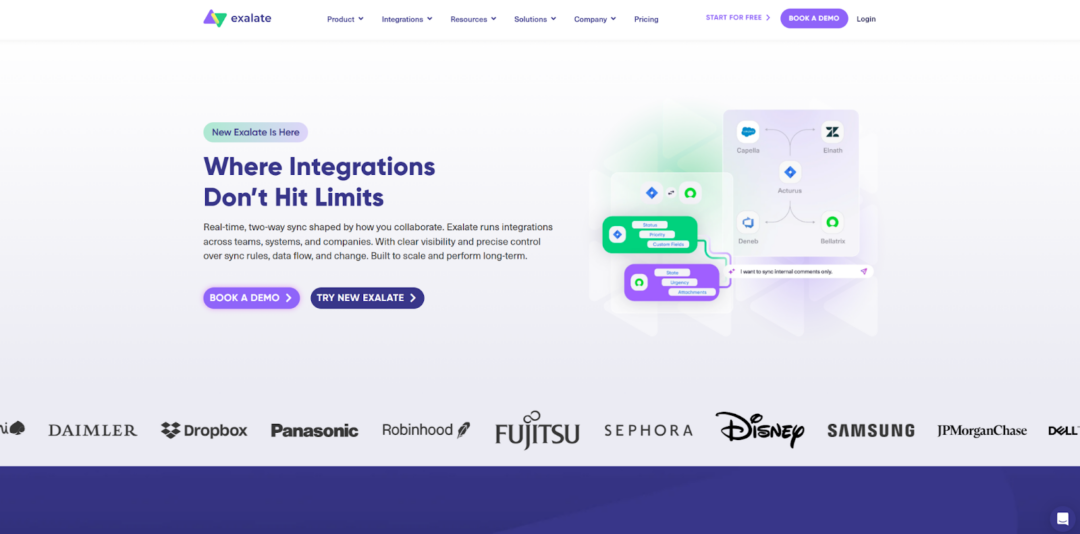
Exalate takes a different approach. It’s built for teams that need granular control over what gets synchronized and how. The product uses a decentralized model. Each side maintains its own instance and decides what data to share. This matters for organizations with strict security requirements or those working across company boundaries. You might have a product team at a vendor using Jira while the client runs Salesforce.
Exalate lets them sync selected information without exposing everything. The trade-off is complexity. Configuration happens through Groovy scripts, which means you need someone comfortable with code. They’ve added AI assistance recently to help generate these scripts, but it’s still a tool for technical teams.
Capabilities and Flexibility
The level of customization here exceeds what most no-code tools offer. You control every field mapping, every trigger, every transformation. Some enterprises need that because their workflows have evolved in weird directions over the years. Here is what the platform provides:
- Script-based customization with Groovy;
- Advanced control over data mapping;
- Support for complex enterprise workflows;
- Cross-instance and cross-company sync;
- AI-assisted configuration options.
Exalate gives you power, but it asks for time in return. Implementation takes longer. You’ll need someone who understands both platforms and can write code. According to our analysts, this tool fits organizations where integration is a strategic capability, not just a convenience.
3. Appfire
Appfire is aimed mostly at larger teams. It comes from the Atlassian side, so its Salesforce integration makes the most sense for companies already using that ecosystem. The connector handles standard sync between Jira and Salesforce, including more advanced mappings when needed.
It can also deal with heavier workloads than simpler tools. At the same time, it may be more than a smaller team actually needs. Features include:
- Deep integration with both Salesforce and Atlassian ecosystems;
- Support for custom objects and fields on both sides;
- Enterprise-grade security and access controls;
- Professional services and support included;
- Scalable architecture for high-volume sync.
Overall, it’s a strong fit for enterprise teams that need a reliable, scalable solution with deep ecosystem integration.
4. ServiceRocket
ServiceRocket is less of a pure software play and more of an integration partner. They implement and support connections between Salesforce and Jira, often for companies with complex requirements. The distinction matters because you’re not just buying a license. You’re buying expertise. Their approach works well for organizations that don’t have internal resources to manage integrations but have budget for outside help. They handle the setup, train your team, and remain available for issues. The technology itself is solid, but the value proposition revolves around service. Use cases include:
- Companies migrating from legacy systems;
- Organizations with highly customized Salesforce instances;
- Teams that need training and ongoing support;
- Enterprises requiring guaranteed SLAs.
This makes it particularly suitable for complex environments where stability, support, and structured implementation are critical.
5. Sinergify
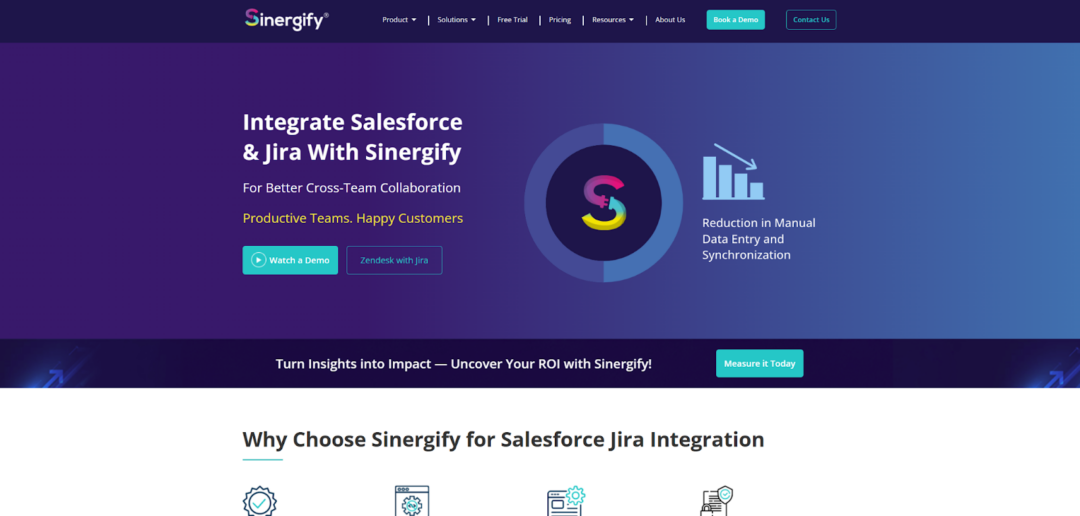
Sinergify built their solution natively on Salesforce. If your organization thinks of Salesforce as the primary system and Jira as something that feeds into it, this might fit. The connector supports both cloud and on-premises Jira instances, which matters for companies with hybrid deployments. You can synchronize any Salesforce object with Jira issues, not just standard ones. The setup requires some configuration but less coding than Exalate. According to their documentation, the tool works well for:
- Salesforce-first organizations;
- Teams with on-premise Jira installations;
- Use cases requiring all standard object types;
- Companies wanting to avoid middleware.
Overall, it’s a solid choice for teams looking for a more native integration approach without relying on additional middleware layers.
6. Zagile (zAgileConnect)
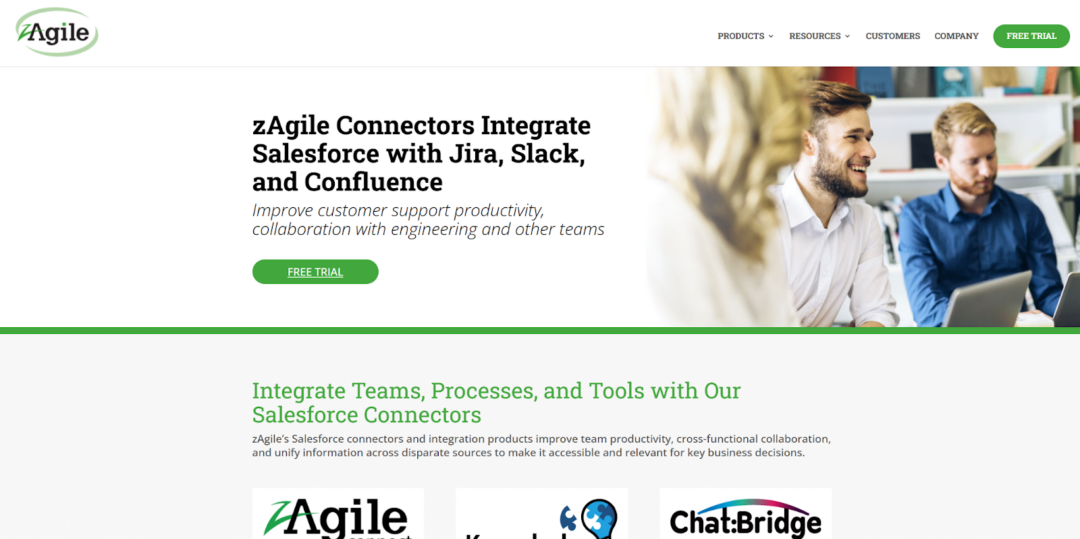
Zagile emphasizes speed and analytics. They promise setup in under an hour, which they back with documented case studies. The connector includes built-in reporting so you can track how quickly sales requests turn into development work. Case escalation features let you push urgent items through the workflow automatically. The analytics component is stronger than what most competitors offer. You get visibility into cycle times, bottleneck identification, and SLA tracking. Best suited for:
- Organizations needing quick deployment;
- Teams focused on service desk use cases;
- Companies requiring built-in analytics;
- Environments with defined SLAs.
This makes it a practical option for teams that prioritize speed, structure, and predictable workflows over deep customization.
Final Thoughts
No single tool works for everyone. Exalate handles complex, cross-company workflows but asks for technical expertise. Peeklogic offers balanced functionality with quick deployment and no-code configuration. Appfire and ServiceRocket serve enterprise needs with professional support.
Sinergify appeals to Salesforce-native organizations. Zagile brings analytics and speed. The connector you choose should match how your teams actually work, not how some vendor thinks they should work. According to our analysts, the best integration is the one your team will actually use. It is not the one with the longest feature list.